
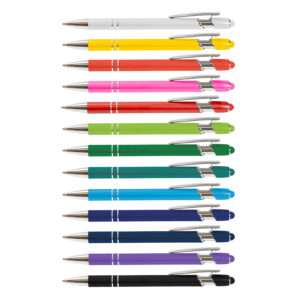
Prime Stylus Pen
13 colours · Rotary screen print, laser or pad print
From $1.43 ea ex GST
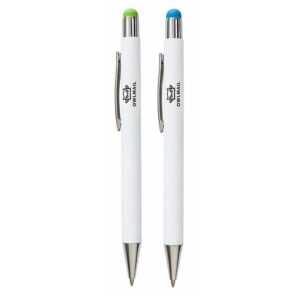
Vitra Pen
2 colours · Pad print, digital print or mirror laser engraving
From $1.86 ea ex GST
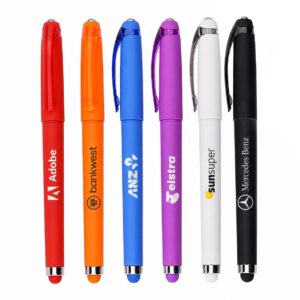
Fidget Gel Pen
6 colours · Digital print
From $1.68 ea ex GST
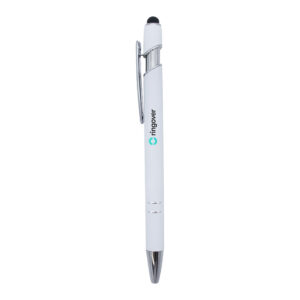
Napoli Pen
1 colour · Laser or digital print
From $1.65 ea ex GST
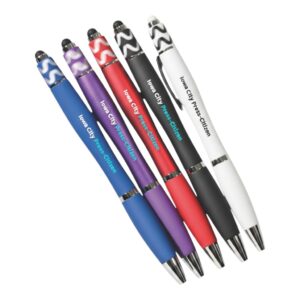
Spinner Fidget Pen
5 colours · Digital direct print
From $2.56 ea ex GST
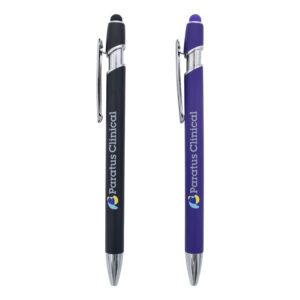
Napoli Pen
2 colours · Laser or digital print
From $1.65 ea ex GST
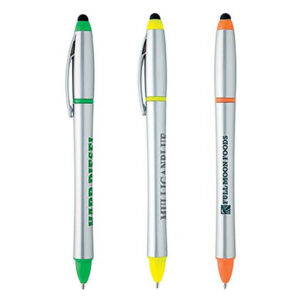
Stylus Highlighter Pen Combo
3 colours · Screen print
From $1.41 ea ex GST
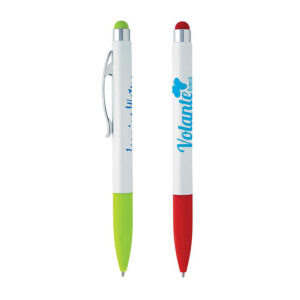
Jewel Stylus Pen
2 colours · Screen print
From $2.47 ea ex GST
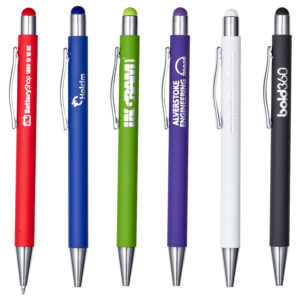
Manopoli Pen
6 colours · Laser or digital print
From $2.25 ea ex GST
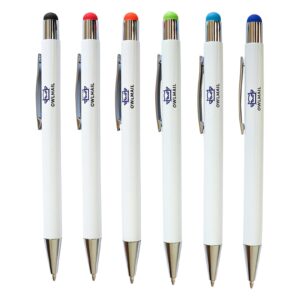
Vitra Pen
6 colours · Pad print, digital print or mirror laser engraving
From $1.86 ea ex GST
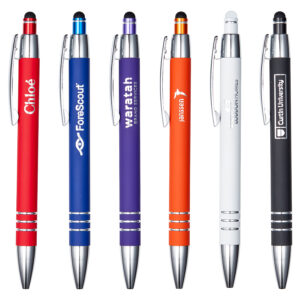
Roma Pen
6 colours · Laser or digital print
From $1.99 ea ex GST
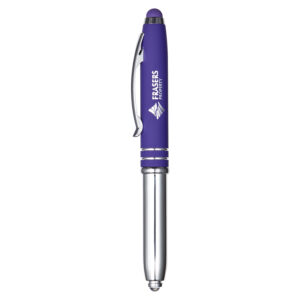
Amalfi Pen
2 colours · Laser or digital print
From $2.29 ea ex GST
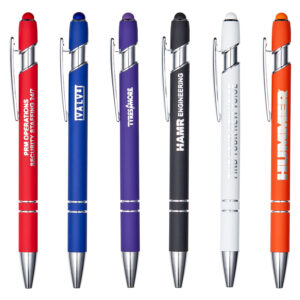
Napoli Pen
6 colours · Laser or digital print
From $1.65 ea ex GST
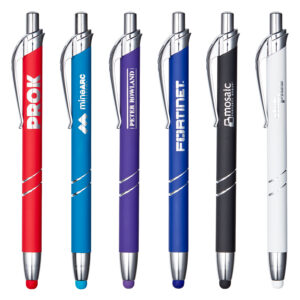
Mondello Pen
6 colours · Laser or digital print
From $1.52 ea ex GST
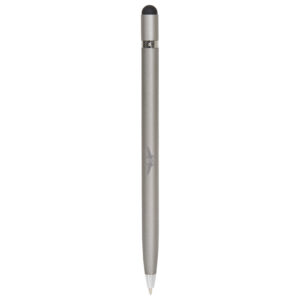
Infinity Pen
2 colours · Laser
From $5.10 ea ex GST
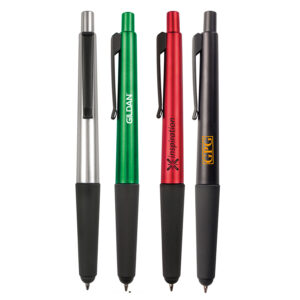
2 in 1 Stylus Pen
4 colours · Pad print
From $1.69 ea ex GST
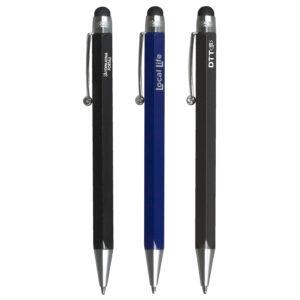
Hexad Stylus Pen
3 colours · Pad print or laser
From $5.03 ea ex GST
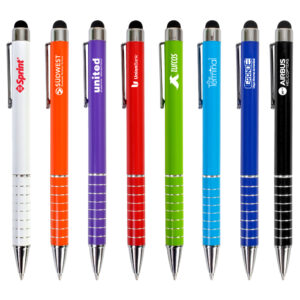
Malibu Stylus Pen
8 colours · Pad print, digital print or laser
From $1.69 ea ex GST
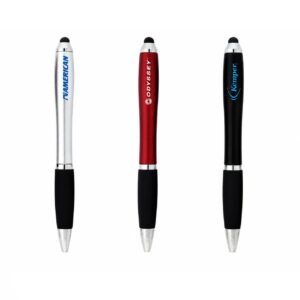
Grenada Stylus Pen
3 colours · Pad print or digital print
From $1.36 ea ex GST
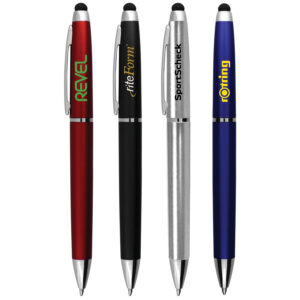
Kapalua Stylus Pen
4 colours · Pad print or digital print
From $1.57 ea ex GST
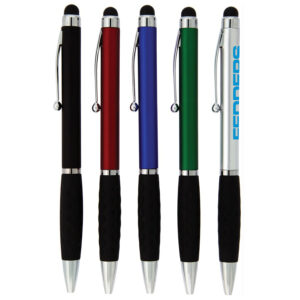
Barbuda Stylus Pen
5 colours · Pad print or digital print
From $1.36 ea ex GST
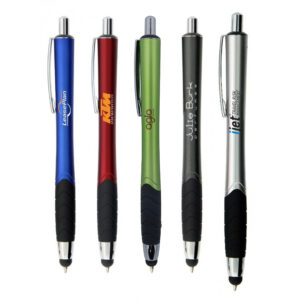
Seminole Stylus Pen
5 colours · Pad print or digital print
From $1.60 ea ex GST
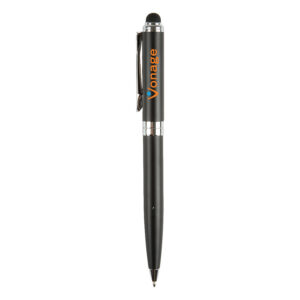
Canterbury Stylus Pen
4 colours · Pad print or laser
From $1.47 ea ex GST
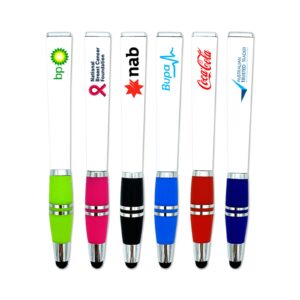
Byron Pen
6 colours · Pad print or digital print
From $1.36 ea ex GST
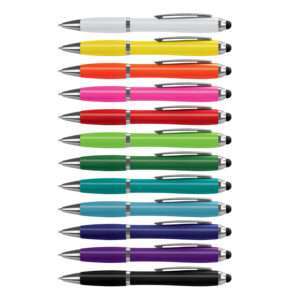 Popular
Vistro Stylus Pen – Colour Match
15 colours · Pad print or digital print
From $0.86 ea ex GST
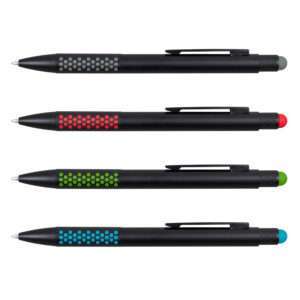
Paragon Stylus Pen
5 colours · Pad print or laser
From $1.73 ea ex GST
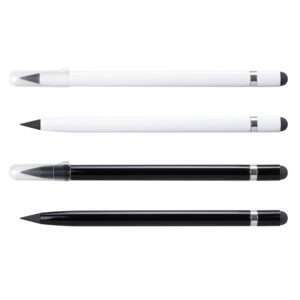
Infinity Inkless Stylus Pen
3 colours · Rotary screen print, laser or pad print
From $2.42 ea ex GST
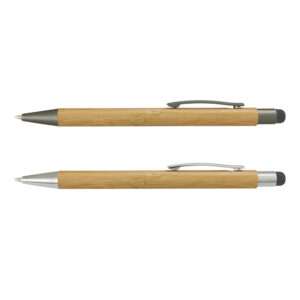
Lancer Bamboo Stylus Pen
4 colours · Pad print, laser or rotary screen print
From $1.21 ea ex GST
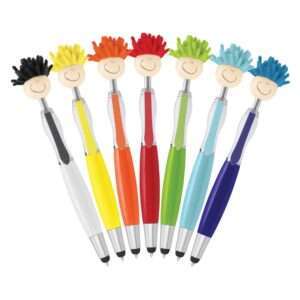
Mop Topper Pen
8 colours · Pad print
From $2.09 ea ex GST
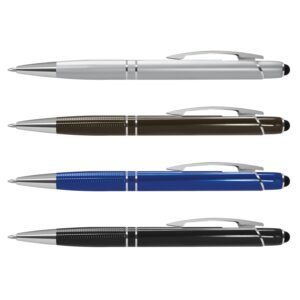
Dream Stylus Pen
5 colours · Laser, pad print or rotary screen print
From $1.92 ea ex GST
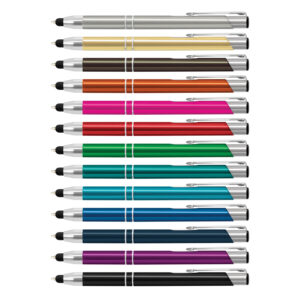
Panama Stylus Pen
14 colours · Laser, pad print or rotary screen print
From $1.29 ea ex GST
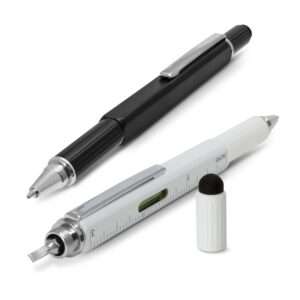
Concord Multi-Function Pen
3 colours · Pad print or laser
From $6.49 ea ex GST
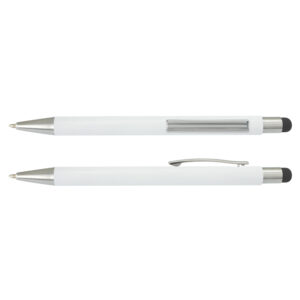
Lancer Stylus Pen – White Barrel
Price on request
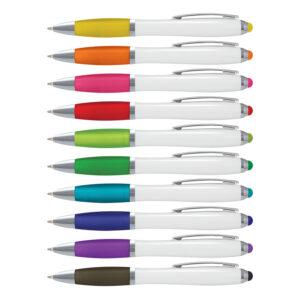
Vistro Stylus Pen – White Barrel
13 colours · Pad print or digital print
From $0.83 ea ex GST
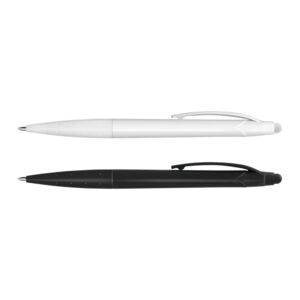
Spark Stylus Pen
3 colours · Pad print, digital print or rotary screen print
From $0.71 ea ex GST
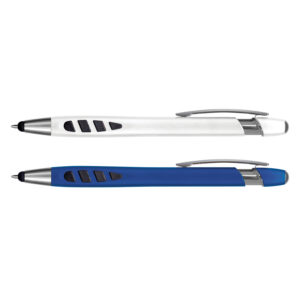
Havana Stylus Pen
5 colours · Pad print, digital print or rotary screen print
From $0.72 ea ex GST
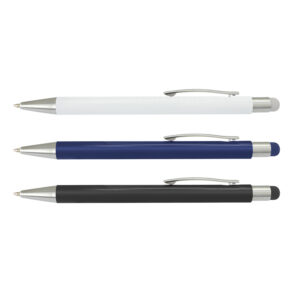
Lancer Stylus Pen
4 colours · Laser, pad print or rotary screen print
From $1.70 ea ex GST
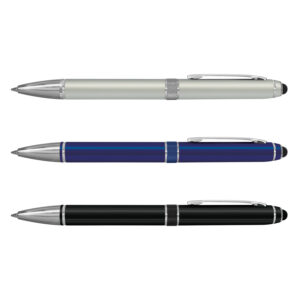
Antares Stylus Pen
4 colours · Laser, pad print or rotary screen print
From $2.46 ea ex GST
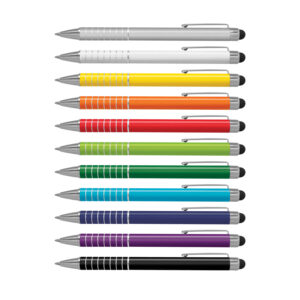
Touch Stylus Pen
13 colours · Pad print, laser or rotary screen print
From $1.55 ea ex GST
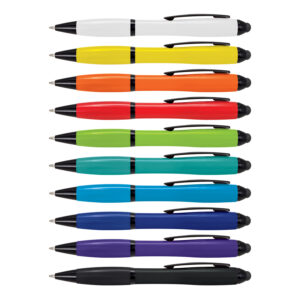
Vistro Stylus Pen
13 colours · Pad print or digital print
From $0.83 ea ex GST
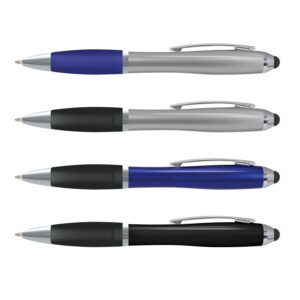
Vistro Stylus Pen – Classic
7 colours · Pad print or digital print
From $0.86 ea ex GST
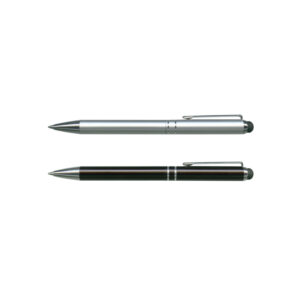
Bermuda Stylus Pen
3 colours · Laser, pad print or rotary screen print
From $2.98 ea ex GST
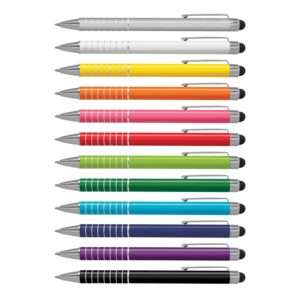
Touch Stylus Pen (Indent)
15 colours · Laser or pad print
From $0.91 ea ex GST
Spark Stylus Pen (Indent)
5 colours · Pad print
From $0.45 ea ex GST
Vistro Stylus Pen (Indent)
9 colours · Pad print
From $0.55 ea ex GST
Vistro Stylus Pen – White Barrel (Indent)
13 colours · Pad print
From $0.59 ea ex GST
Vistro Stylus Pen – Classic (Indent)
3 colours · Pad print
From $0.55 ea ex GST
Antares Stylus Pen (Indent)
5 colours · Laser or pad print
From $1.41 ea ex GST
Pick the Pen Before the Extra Tip
A stylus is useful only if the pen is pleasant to write with and the tip suits the intended screen. Start with ink colour, refill, grip and mechanism, then compare the stylus material and placement. A pen that looks clever on a product photo but writes scratchily will be remembered for the wrong reason. If recipients mostly use phones with cases or screen protectors, test a sample on their actual devices rather than assuming every soft tip behaves the same way.
Formats in the Current Range
- Classic ballpoint stylus pens: A straightforward pen-and-touchscreen combination in several barrel colours and finishes.
- Highlighter combinations: Useful for meeting and study packs where marking pages is part of the day.
- Fidget stylus pens: A playful desk option whose moving parts and sound should suit the setting.
- Premium-look barrels: Selected metal or detailed finishes for a more considered client gift, with refill details checked.
Screen Use and Writing Details
Most promotional stylus tips are designed for general capacitive touchscreens, but compatibility varies. They are not a replacement for a device-specific active pen with pressure sensitivity or palm rejection unless the exact product says so. Check screen type, tip size and any protective film. A quick test on a representative device is especially sensible for a large rollout.
Ink colour and replacement refills matter when the pen will stay in use. Some products offer multiple colourways but only one ink colour. Confirm the mechanism and whether the stylus end is exposed or protected in a bag. For a conference, consider how a pen, notebook and badge will be handed out together; a pen that disappears into the bottom of a tote misses its useful first impression.
Make the Branding Work
Pad print and digital methods can suit selected barrels, while laser engraving may work on compatible metal bodies. Clips, rubber grips and narrow curves constrain the logo area. A short, clean mark usually reads better than a full address in type smaller than the pen tip. Our printing processes guide explains the main methods. A free visual proof shows the proposed logo position on the item you choose.
Briefs We Would Build Around
- Sales meetings: A reliable pen with an understated mark, tested for writing feel.
- Tech onboarding: A stylus pen checked against the devices staff actually use.
- Training packs: A highlighter combination paired with notes and an agenda.
Ordering and Related Products
Minimums and lead times vary by barrel, finish and decoration. Approve the exact pen colour, ink, logo position and tip specification. Keep the product code for future orders so a similar-looking pen does not quietly change the writing experience.
For a joined-up pack, compare plastic pens, metal pens, notebooks, technology accessories. Choose the combination around the recipient and how the items will be handed over; a matching colour alone does not make a useful kit.
Branded Stylus Pen FAQs
Will a stylus pen work on every tablet?
No. Screen technology and tip design vary. Test the selected pen on representative devices, especially where a specialist active stylus is normally used.
Can stylus pens be engraved?
Selected compatible metal barrels can be laser engraved. Other models suit print or digital decoration, depending on the surface.
Are replacement ink refills available?
It depends on the pen. We check ink colour and refill information for the exact model before ordering.